Tangible Tips to Strengthen Your LinkedIn Profile and Career Presence
Could LinkedIn Make Networking Easier for Introverts? Research suggests it can – here are 5 of the best tips to polish your professional brand with career counselling insights.
A 2020 article from The Journal of Vocational Behaviour examined the relationship between networking on LinkedIn, extroversion, and benefits to career growth. The study surveyed 322 U.S. graduate business students who were working 20 hours per week or more. Participants were asked about their use of social networks and their attitudes toward their careers. Responses were then compared to data from their LinkedIn profiles.

Amanda and our team use evidence-based career counselling to guide professionals in building their best LinkedIn presence.
The result? Extroverts still had an advantage in building a professional network — but extroversion was no longer required to meet networking goals. Being self-directed, driven, or goal-oriented was the mediating factor that helped introverts succeed on LinkedIn. In fact, networking ability — not extroversion — was the best predictor of career success.
Introverted participants who were motivated and willing to engage with the platform found the same positive career benefits as their extroverted peers. Using LinkedIn improved networking ability, which in turn supported stronger career outcomes. Even simple actions like scrolling through other profiles or reading the news feed had measurable benefits — which is all the more reason we recommend updating your LinkedIn profile with the best practices from career counselling research and podcasts.
Your Checklist: The Best LinkedIn Profile Tips from Career Podcasts
To get you started, here’s a must-have checklist with some of the best LinkedIn profile tips we’ve pulled from the “LinkedIn episodes” of three popular career podcasts: The Goal Digger Podcast, Bossed Up, and The Career Contessa. Each offers practical, evidence-based strategies you can apply right away — and we’ve organized them here so you can quickly polish your professional brand.
1) How to Write the Best LinkedIn Headline for Career Growth

Share Your Selling Points
“The most important by far in terms of getting the most weight in the Linkedin algorithm is that little headline.”
- Jeremy Schifeling for The Career Contessa
“The most important, by far, in terms of getting weight in the LinkedIn algorithm is that little headline,” says LinkedIn expert Jeremy Schifeling in a guest slot on The Career Contessa podcast. “Just 220 characters — that means it’s harder to game, it’s more authentic, and it’s a more important signal for the algorithm. So that’s really where you want to start.”
Using “[your job title] at [your organization]” isn’t necessarily the best use of this space — unless those fields are something like “Marketing at Facebook” or “Physician at Mass General.” Instead, focus on critical skills or competencies. For example: “Software Engineer | Site Lead | Builder of Happy, High-Performing Teams.”
The first two points target search keywords, while the last alludes to an intriguing interpersonal skill. Even if you aren’t ready to branch out too far, don’t miss the chance to add a few selling points to your page. “Accounting Manager @ Big Firm” is the basics, but “Accounting Manager | CPA | Compliance Professional” gets you more value from your headline and makes your profile more visible to recruiters. In Addition, add your industry or niche when possible to your LinkedIn headline, the short bio that appears below your name.
2) How to Choose the Best LinkedIn Photo That Gets You Noticed

Stand Out!
Your profile picture is a recruiter’s first impression of you: make sure your face and shoulders take up most of the frame, so it can be easily seen in search results.
Your LinkedIn photo is often the first impression recruiters and hiring managers have — so it’s worth investing some thought. The best LinkedIn photos are:
Taken by someone else (or with a timer). Skip the selfies and avoid cropping from group photos.
Set against a clean or professional-looking background. If you can’t find the right shot, try tools like Fotor (which sometimes offer free trials) to create a polished backdrop.
Professional yet approachable. Aim for a relaxed, confident look — ideally with a warm smile.
Well-lit and properly framed. Your face should take up about 60% of the photo. Aim for shoulders-up, avoiding shots that are too close or too distant.
Pro tip: Corporate headshots are often taken from slightly below eye level, which creates a striking, powerful angle.
3) Update Your LinkedIn Skills to Show Up in Recruiter Searches

“The skills that are formally tagged and attached to your profile determine what search results you will turn up in.”
- Emilie Aries on Bossed Up
LinkedIn works like a skills-based search engine. Recruiters type in keywords to find candidates, and the skills attached to your profile determine whether you appear in their results.
“The skills that are formally tagged and attached to your profile determine what search results you will turn up in,” says Emilie Aries of Bossed Up. “If you have a ton of project management related skills on your profile, like project management, project management certification, team management, agile management, project and program management, whatever they might be, [...] you are more likely to show up for project management positions when they're recruiting for those specific skills, particularly if they're also searching on LinkedIn for candidates within your geographic area.”
To make the most of this:
Audit your skills. Remove anything outdated or irrelevant to your current career direction.
Use your 50 skills wisely. LinkedIn caps your list, so focus on the skills that align with the roles you want.
Attach skills to experience. Link them to specific roles and projects in your work history.
Leverage LinkedIn’s drop-downs. Search using trial and error to identify the most relevant skill terms recruiters actually use.
4) Design a LinkedIn Banner That Builds Your Personal Brand

Pick a Theme
Make sure to match your header, photo, and any other images to reflect your own personal brand!
LinkedIn is increasingly a visual platform, and your banner (the large image behind your profile photo) is valuable real estate.
The Goal Digger Podcast’s Viviano points out that links to websites, social profiles, or other brand assets can help break up the page and add visual interest. Matching your header, profile photo, and any supporting visuals (like video thumbnails or article images) creates a more cohesive experience for viewers.
Tips to maximize your banner:
Keep it on-brand. Use consistent colors, fonts, and imagery that align with your personal or professional brand.
Try Canva templates. Many are free, easy to customize, and available in LinkedIn’s exact banner dimensions.
Highlight your value. Add a short tagline, mission statement, or contact info — for example, “I turn customer insights into actionable goals” or “I lead record-setting teams.”
Link to your assets. Your banner can subtly point viewers toward your website, portfolio, or social channels.
Your banner is often the first thing someone notices on your profile, so investing a few minutes here can leave a stronger, more professional impression.
5) Polish Your “About” Section to Tell Your Story

Tell a Career “Story”
Your about section should share what you do, who you are, and feel natural to you. If you wear many hats, make sure your resume is focused and clear.
LinkedIn is more than just a digital résumé — it’s where people actively read and search for opportunities. As Jenna Kutcher says on The Goal Digger Podcast, users aren’t just scrolling past; they’re paying attention. That means your “About” section is one of the first places they’ll pause.
Career coach Jena Viviano adds, “It’s totally okay to share your personality. That’s your main differentiator.”
Your About section should:
Clearly explain what you do and who you are
Tie together your career narrative
Reflect your authentic personality and tone
If you already have a website bio, you don’t need to start from scratch. Kutcher herself borrowed copy from her website, replacing what she called her old “professional robot” language to make her profile sound more human and aligned with her brand.
Career Contessa’s Lauren McGoodwin suggests tying your journey together in a few clear sentences, for example:
“I put myself through business school by working in sales. When I graduated, I took a job in project management. Now I’m using those skills as an entrepreneur, but I’m open to new roles if they match my current goals.”
And if you’re feeling stuck, tools like ChatGPT or ChatPDF can help summarize your résumé into a compelling draft. You can even prompt these tools to read it as if they were a recruiter.
Reminder: Your LinkedIn is not a Wikipedia page - it’s a sales page.
LinkedIn Remains One of the Best Tools for Professionals
LinkedIn continues to be one of the strongest platforms for promoting your professional self. Simple updates — from refining your headline to polishing your About section — make your profile easier to find and more useful for hiring managers. And research on LinkedIn engagement suggests the real payoff comes when you stay active: networking opportunities expand for those who consistently show up.
Happy networking — and here’s to building connections that move your career forward!
Podcasts mentioned:
The Career Contessa: “5 Lesser-Known LinkedIn Profile Tips and Hacks for 2024” with Jeremy Shifeling
The Goal Digger Podcast: “3 Things You Need To Do on Your LinkedIn Profile Right Now” with Jena Viviano
Bossed Up: “Job Search Success: How To Optimize Your LinkedIn Profile Skills Section”
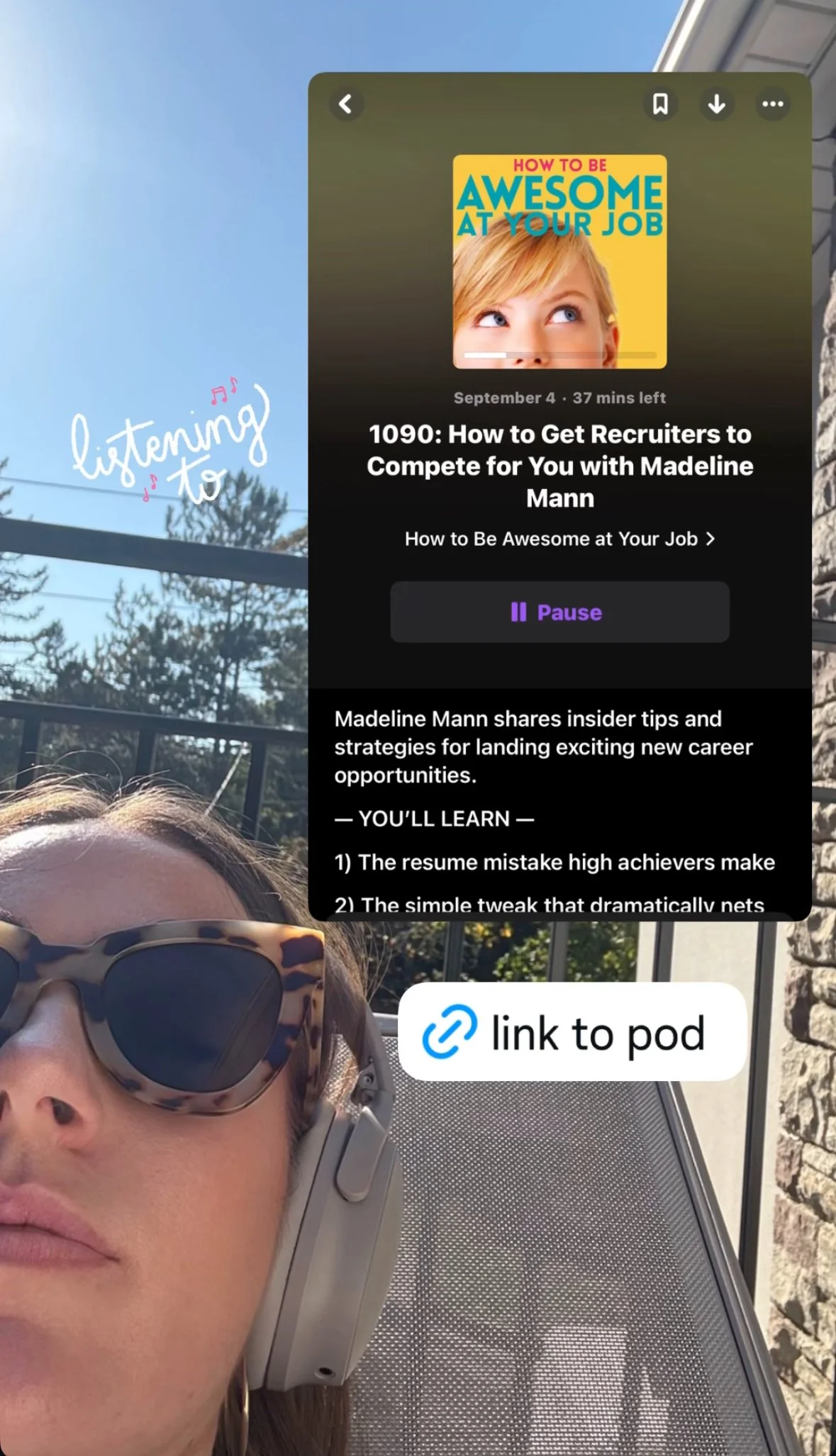
How To Be Awesome At Your Job: “How to Get Recruiters to Compete for You” with Madeline Mann
Reminder:
Your LinkedIn is not a Wikipedia page - it’s a sales page..

MOST RECENT POSTS